Anyone who travels abroad knows the strange gap between planning and landing. You spend weeks collecting clips: a short video of a ferry crossing, a local's tip about which metro line to avoid at rush hour, a clip of a night market that made you rearrange your whole itinerary. Then you board a long international flight, the Wi-Fi is either missing or painfully slow, and every one of those clips sits behind a connection you do not have.
A lot of that material now lives on X, the platform formerly known as Twitter. Airlines post gate updates, tourism boards share short clips of festivals, and ordinary travelers upload their own footage with a line or two of advice. Watching it online is easy. Keeping a copy for the airplane or a patchy hotel network is where people get stuck, because the app only lets you play the video, not save it. This article walks through how a Twitter and X video downloader that lists several MP4 qualities fits into that routine, using the features the page actually describes and one travel scenario for each.
A phone showing a tweet with a short travel video, ready to be saved before a flight
The scenario: a long-haul flight and a folder of tweets
Picture someone flying from Melbourne to a city in Southeast Asia, a trip of several hours with a connecting flight. In the weeks before, they bookmarked a dozen tweets: a street food walkthrough, a short clip showing how the airport express train works, a warning about a road closed for a festival. None of it is useful if it will not load at the departure gate.
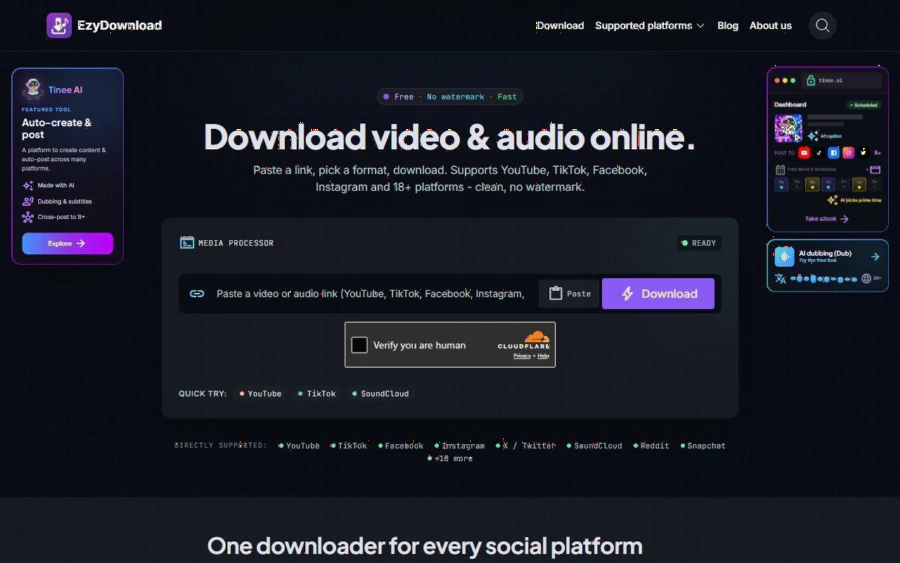
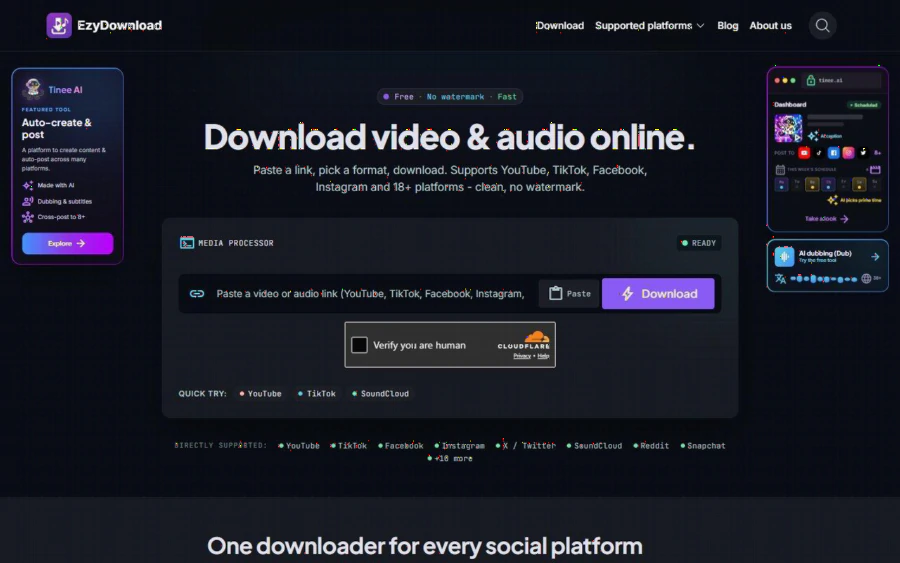
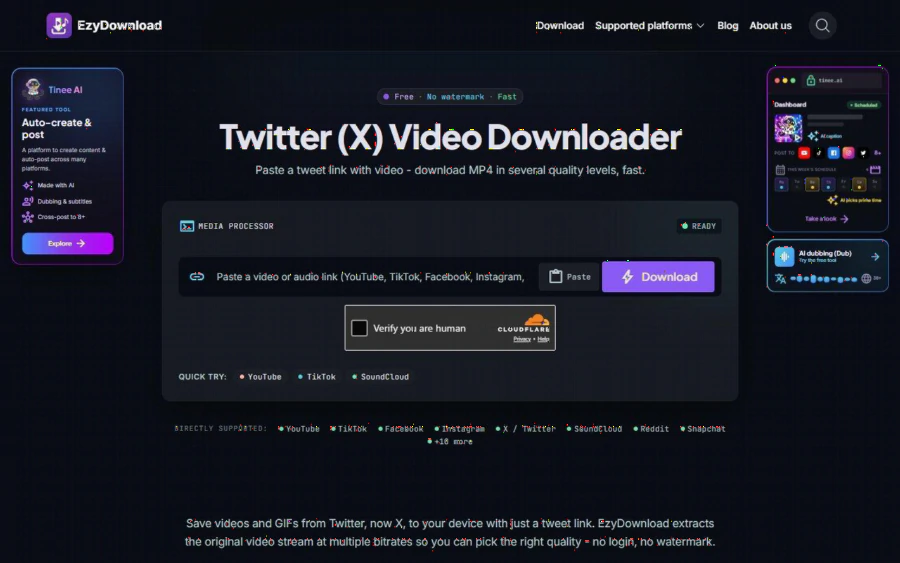
The tool's page describes a very simple flow. You copy the link of a tweet that contains a video, paste it into the box, and download. The page calls it "just the tweet link," and nothing else is required. There is no extension to install and no account to create. For a traveler who is packing, checking in and answering messages at the same time, the shortness of that flow matters more than any extra option.
On a phone, the page says to tap the share button on the tweet, choose Copy link, and paste it into the field. That is the same gesture most people already use to send a post to a friend, so there is nothing new to learn the night before departure.
Picking a quality that matches the trip
The first feature worth understanding is the quality choice. According to the page, X stores each video at several bitrates, and EzyDownload lists them so you can pick the one that suits your connection and your needs. The page gives two plain rules of thumb. For phone viewing, a mid bitrate is enough, because it downloads quickly and stays light on your device. For archiving or watching on a big screen, you pick the highest bitrate to keep the detail in motion.
Here is how that plays out for a traveler. If you are about to leave for the airport and you are saving fifteen clips over hotel Wi-Fi, mid quality keeps the whole batch quick and leaves storage free for the photos you will take on the trip. If one clip is something you really care about, say a full walkthrough of a hiking trail you plan to follow, you can save that single video at the top bitrate and keep it for the tablet in your bag.
The site does not publish file sizes for each level, so I will not guess at them. What it does say is that the output is usually MP4 encoded with H.264, which plays on essentially any device without extra software. That is a practical detail: you will not need to hunt for a special player on a rental laptop or a borrowed tablet.
Both domains work, so old bookmarks still count
Many travelers keep a notes app full of links saved over the years. Some of those links still say twitter.com, while newer ones say x.com. The page states that both domains work fine, so you do not need to edit anything before pasting. That sounds minor until you are sorting through a long list of saved links the evening before a flight and do not want to fix each one by hand.
The same logic applies to links that people send you. A friend who already lives in the city you are visiting might message you a tweet about a neighborhood. It does not matter which version of the address comes through, you paste it as is.
The download box with a pasted link and the list of available MP4 quality options
Saving animated GIFs, not just videos
A less obvious feature is GIF support. The page says EzyDownload downloads animated GIFs posted in a tweet, and it adds that browsers will not save those directly. If you have ever tried to long-press an animated image on a social app and found only a "copy link" option, you know the frustration.
For travel, GIFs tend to be small, practical loops: a short animation of a metro map, a looping clip that shows how to use a ticket machine, a few seconds showing how a pedestrian crossing signal works in a country where you have never walked across a street. They are easy to scroll past online, and just as easy to lose. Saving them next to your videos gives you a compact offline reference you can open without a signal.
No login and no watermark
Two more claims on the page are worth a mention. The first is that no login is needed. The product profile also states that there is no sign-up and no email required, and that the service is completely free, with no paid plan. For someone using a shared computer at a hostel or a business center, avoiding an account is a real convenience, because you do not leave credentials or an email address behind.
The second claim is that the files come out clean, with no watermark. The page labels the finished file as free of watermarks, which matters if you plan to reuse a clip, for example in a private slideshow of your trip or in a message to your family. A clean copy simply looks better on a screen.
The product description also says the service does not store files on its servers. That is relevant for anyone who is cautious about what they pull down on public networks, though the page does not go into technical detail on how this works, so treat it as a stated feature rather than something I verified independently.
What it will not do
The limits are stated plainly, and they are worth knowing before you rely on the tool at an airport. Tweets from protected accounts need access permission, so they cannot be downloaded. The tool handles only public content. More broadly, the product profile says it cannot download private material, content behind a paywall, or anything protected by DRM.
For travelers, that means a clip from a friend's locked account will not work, and neither will a video that requires a paid subscription. If you hit that wall, the honest answer is to ask the poster to share it differently, or to look for a public version. It is also good practice to respect the person who made the video: use saved clips for your own reference, and credit or ask before you repost them.
Beyond X: other platforms in the same place
Trip planning rarely stays on one platform. A route you found on X might be explained in more detail in a YouTube video, a food stop might appear on TikTok, and a hotel room tour might be on Instagram or Facebook. The profile says EzyDownload supports more than 18 platforms, including YouTube, TikTok, Facebook, Instagram, X, and SoundCloud, with MP4 video up to 4K and audio as MP3 or M4A up to 320kbps. The X page itself lists a longer set of supported sites, including Reddit, Snapchat, Threads, and others.
That breadth is handy for the audio side of travel. A podcast-style language lesson or a local music playlist is easy to carry on a flight if you have saved it ahead of time, and the same tool that handles your tweet can handle that too. I would still keep a short checklist: confirm the content is public, pick the quality that matches your device, and open each file once before you leave to make sure it plays.
A simple pre-trip routine
Putting it together, here is a routine that fits the features above. A few days before departure, go through your bookmarked tweets and copy the links for anything you want offline. Paste each one in, choose a mid bitrate for casual clips and the highest for anything you want to keep long term, and save the GIFs along with the videos. The night before you fly, play two or three files on the device you are carrying to confirm they open, then relax.
None of this is complicated, which is the point. The page positions the tool as a quick way to take a public tweet and turn it into a file on your device, with no account, no watermark and no cost. It will not unlock private content, and it does not claim to. For the narrow job of making sure your travel research still works when your signal does not, it does exactly what a traveler needs.